Earn Your Screen Time

Earn Your Screen Time

Earn Your Screen Time

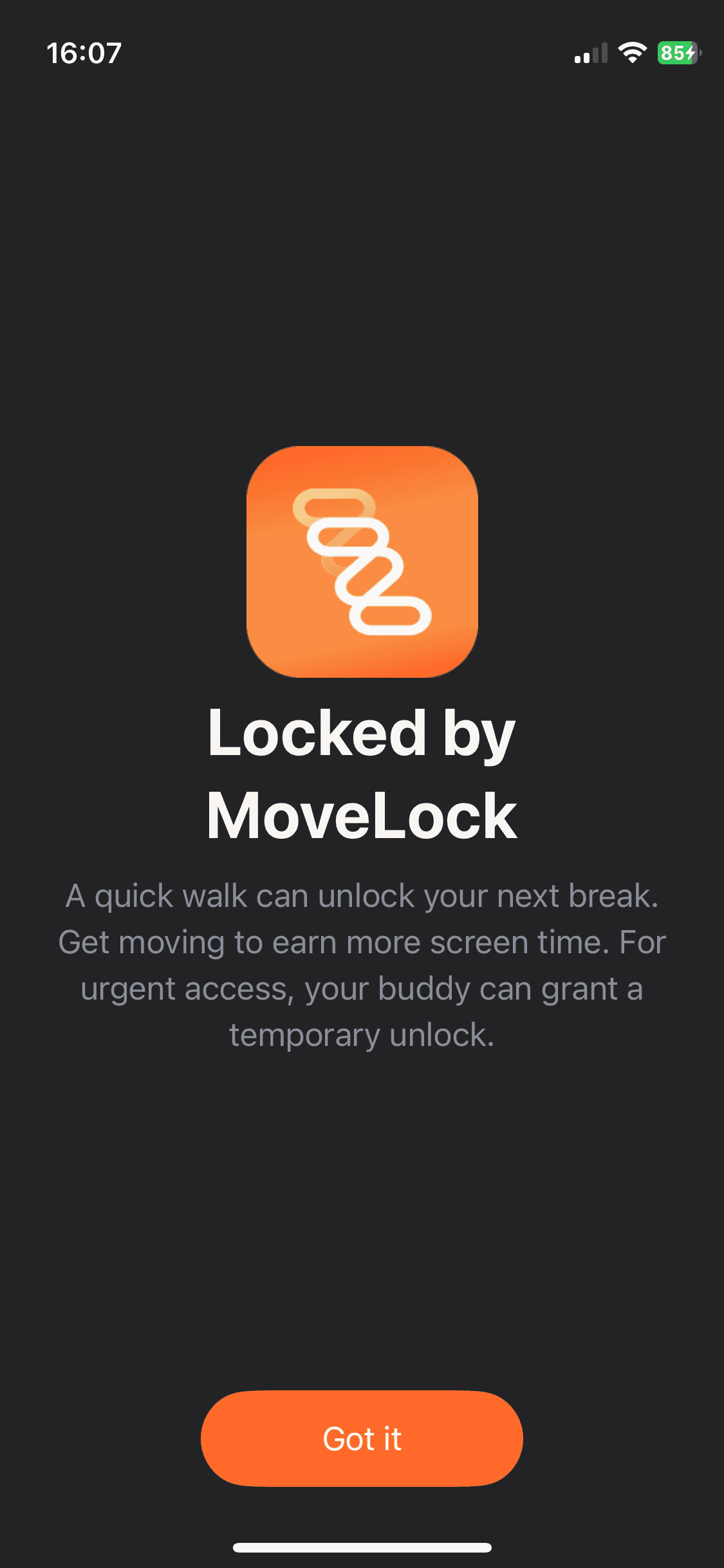
Move yesterday. Scroll today. MoveLock turns your Strava activity into a daily allowance for the apps you choose to limit.

COMING SOON …

Move yesterday. Scroll today. SportLock turns your Strava activity into a daily allowance for the apps you choose to limit.


COMING SOON …

Move yesterday. Scroll today. SportLock turns your Strava activity into a daily allowance for the apps you choose to limit.


COMING SOON …

How to

Earn screen time with MoveLock

1

Connect Strava or Apple Health

Sign in with Apple, then authorize MoveLock to read your own activity moving time.

2

Pick apps to limit 

Choose which apps Apple Screen Time should restrict.

3

Earn today’s allowance

Yesterday’s moving time becomes today’s budget, plus a minimum you set.

4

Add a buddy (optional) 

They can approve extra time, settings changes, and app removal.

Features

MoveLock features

Earned allowance

Yesterday’s Strava moving time funds today’s app time. Set a minimum so you are never fully locked out. Off-days and an emergency override are there when you need them.

Screen Time limits

MoveLock uses Apple Screen Time to shield the apps you select when the allowance runs out. Limits stay on even if you close the app.

Accountability buddy

Connect one buddy. They can approve extra time, settings changes, and protected app removal — so the system is harder to bypass when motivation dips.

Your data

MoveLock shows only your Strava data to you. Buddies never see your Strava feed. Disconnect anytime. We cache Strava activity data for at most 7 days.

Pricing

Start with a 7-day free trial

Download is free. After you finish onboarding, you get 7 days of full MoveLock access. Then choose a plan to keep going. Prices below are USD; the App Store may show a different amount in your region.

7-day free trial

$0 for 7 days

  • Full MoveLock access after onboarding

  • Daily allowance from yesterday’s Strava moving time

  • Apple Screen Time limits on apps you choose

  • Minimum allowance, off-days, emergency override

  • One accountability buddy, unlock requests, and protected app removal

  • Home Screen and Lock Screen widgets

  • No charge to start the trial

Premium Monthly

$9.99 / month after trial

  • Everything in the trial, billed monthly

  • Cancel anytime in your Apple ID settings

  • Restore purchases on any device with the same Apple ID

Premium Yearly

$59.99 / year after trial

  • Best value — about $5.00 / month when billed annually

  • Same full MoveLock access as monthly

  • Cancel anytime in your Apple ID settings

Lifetime

$149.99 once

  • Pay once, keep MoveLock forever

  • Not a subscription — no renewals

  • Restore on any device with the same Apple ID

Get it now

Subscriptions auto-renew until cancelled in your Apple ID settings (cancel at least 24 hours before the period ends). Payment is charged to your Apple ID. Prices may vary by region. MoveLock is not affiliated with, endorsed by, or sponsored by Strava or Apple.

FAQ

Any questions?

Any questions?

What is MoveLock?

How does MoveLock work?

What devices are compatible?

Do I need Strava?

Is MoveLock a Strava app?

Does MoveLock use my Strava data to train AI?

Do you store my GPS tracks?

Is MoveLock medical or fitness advice?

Is MoveLock free?

How much does Premium cost?

What is included in the 7-day free trial?

What happens when the trial ends?

How do I cancel a subscription?

How do I download MoveLock?

How do I disconnect Strava or delete my data?

Where is the privacy policy?

Where are the terms of use?

Available Soon …

Available Soon

Earn your scroll. Yesterday's exercise becomes today's app allowance. MoveLock limits the apps you choose, and a buddy can keep you honest.

Pricing

Start with a 7-day free trial

Download is free. After you finish onboarding, you get 7 days of full MoveLock access. Then choose a plan to keep going. Prices below are USD; the App Store may show a different amount in your region.

7-day free trial

$0 for 7 days

  • Full MoveLock access after onboarding

  • Daily allowance from yesterday’s Strava moving time

  • Apple Screen Time limits on apps you choose

  • Minimum allowance, off-days, emergency override

  • One accountability buddy, unlock requests, and protected app removal

  • Home Screen and Lock Screen widgets

  • No charge to start the trial

Premium Monthly

$9.99 / month after trial

  • Everything in the trial, billed monthly

  • Cancel anytime in your Apple ID settings

  • Restore purchases on any device with the same Apple ID

Premium Yearly

$59.99 / year after trial

  • Best value — about $5.00 / month when billed annually

  • Same full MoveLock access as monthly

  • Cancel anytime in your Apple ID settings

Lifetime

$149.99 once

  • Pay once, keep MoveLock forever

  • Not a subscription — no renewals

  • Restore on any device with the same Apple ID

Get it now

Subscriptions auto-renew until cancelled in your Apple ID settings (cancel at least 24 hours before the period ends). Payment is charged to your Apple ID. Prices may vary by region. MoveLock is not affiliated with, endorsed by, or sponsored by Strava or Apple.

Earn Your Screen Time

Move yesterday. Scroll today. MoveLock turns your Strava activity into a daily allowance for the apps you choose to limit.

How to

Earn screen time with MoveLock

1

Connect Strava

Sign in with Apple, then authorize MoveLock to read your own activity moving time.

2

Pick apps to limit 

Choose which apps Apple Screen Time should restrict.

3

Earn today’s allowance

Yesterday’s moving time becomes today’s budget, plus a minimum you set.

4

Add a buddy (optional) 

They can approve extra time, settings changes, and app removal.

Features

MoveLock features

Earned allowance

Yesterday’s Strava moving time funds today’s app time. Set a minimum so you are never fully locked out. Off-days and an emergency override are there when you need them.

Screen Time limits

MoveLock uses Apple Screen Time to shield the apps you select when the allowance runs out. Limits stay on even if you close the app.

Accountability buddy

Connect one buddy. They can approve extra time, settings changes, and protected app removal — so the system is harder to bypass when motivation dips.

Progress, not punishment

See recent movement and restricted-app time, streaks, and short insights. Copy is encouraging on purpose. MoveLock is a habit tool, not medical advice.

Widgets and Live Activities

Check time left from the Home Screen, Lock Screen, or Dynamic Island while an unlock window is open.

Your data

MoveLock shows only your Strava data to you. Buddies never see your Strava feed. Disconnect anytime. We cache Strava activity data for at most 7 days.

Available Soon …

Earn your scroll. Yesterday's exercise becomes today's app allowance. MoveLock limits the apps you choose, and a buddy can keep you honest.

Contact us

FAQ

Any Question?

What is JumpBoost?

JumpBoost is a cutting-edge app designed to measure your jump height accurately using your smartphone or compatible device.

How does JumpBoost work?

JumpBoost utilizes artificial intelligence to measure the height of your jumps. Simply follow the on-screen instructions, and the app will provide you with your jump height.

What devices are compatible with JumpBoost?

JumpBoost is compatible with most smartphones and tablets running iOS and Android. Make sure to check the system requirements for specific details.

Is JumpBoost accurate for measuring jump height?

Yes, JumpBoost provides highly accurate jump height measurements thanks to its precise algorithms.

Do I need any additional equipment to use JumpBoost?

No, you don't need any special equipment. Just download the app, follow the setup instructions, and you're ready to measure your jump height.

Can I use JumpBoost for different types of jumps and sports?

Yes, JumpBoost is versatile and can be used to measure various types of jumps, whether you're into basketball, volleyball, or any other sport that involves jumping.

Is my jump data stored in the app?

Jump data is usually stored within the app for your convenience, allowing you to track your progress over time.

Is JumpBoost free to download and use?

JumpBoost offers a free version with basic features, and there may be a premium version available with additional features.

How can I download JumpBoost?

You can download JumpBoost from the App Store (for iOS devices) or Google Play Store (for Android devices).

Can I export my jump data?

Yes, you can export all your data to csv file.

6650 Rue Saint-Urbain, Montréal,

QC H2S 3H1 Canada

Subscribe to newsletter

Stay up to date with our news!

© 2023–2026 SportBoost AI Inc. All rights reserved.